Immich is Google/Apple Photos hosted sovereignly by yourself – with nearly all the functions one knows from there.
Concretely that means that the images we take on the phone are automatically uploaded to Immich and are then available there on all other connected end devices as well as via the web UI. Via a simple AI faces are additionally recognized, and via the geotags of the images location data is made available.
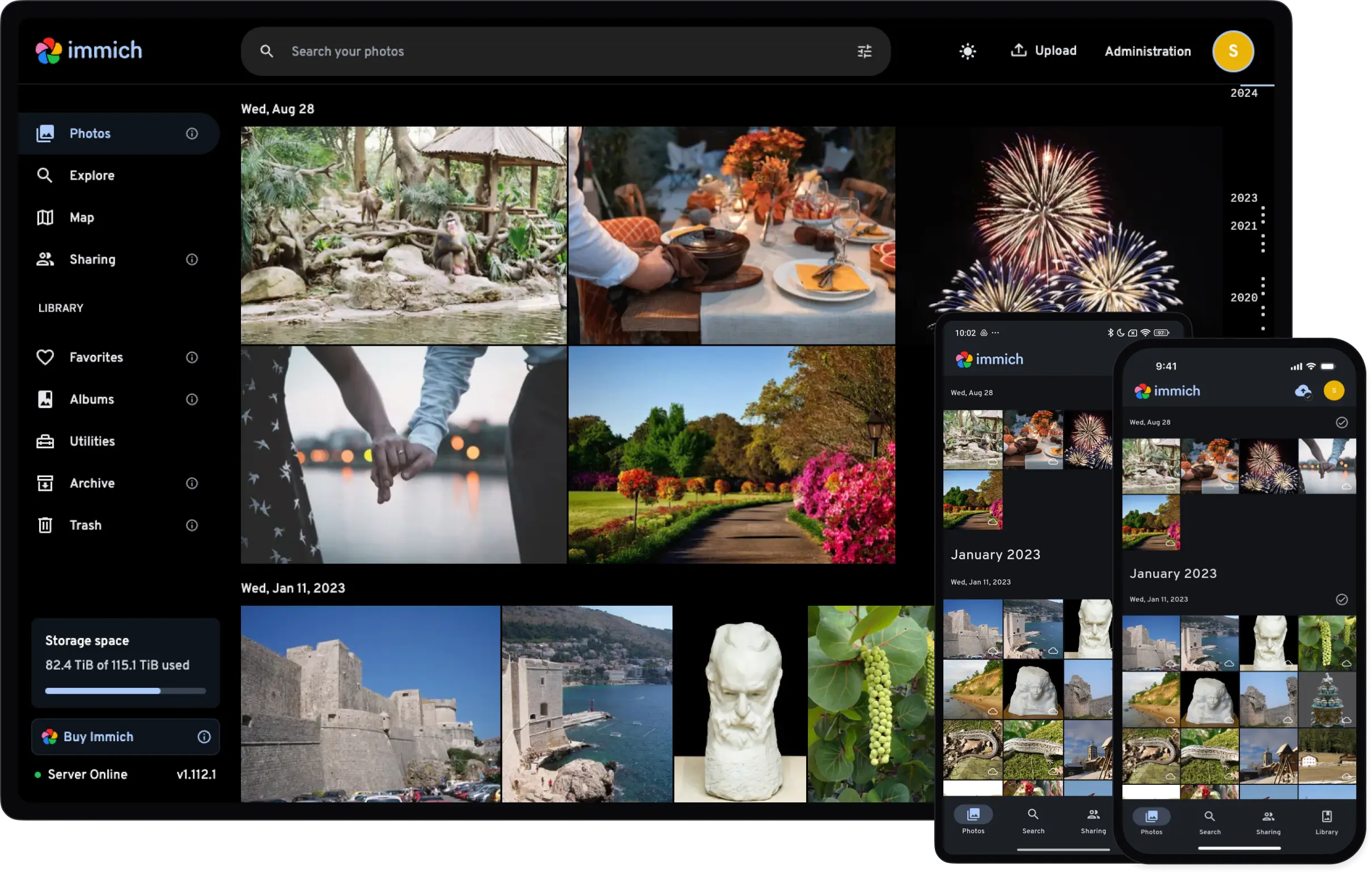
Compared to other open-source alternatives such as the ones integrated in Nextcloud, Open Cloud or OwnCloud, the specialization and reliability of the synchronization stands out.
Setup
Immich is a classic client/server app.
Server
Immich can be operated as a service on our VPS.
For the realization we set up the following Docker Compose infrastructure in a project folder of our choice.
immich/
├── compose.yml
├── .env
├── db/
├── data/
└── model-cache/
The content of the files follows this schema:
Details
`compose.yml` ```yaml services: immich-server: # application server container_name: immich_server image: ghcr.io/immich-app/immich-server:${IMMICH_VERSION:-release} # version from the .env file devices: - /dev/dri:/dev/dri # for graphics acceleration with Intel/AMD graphics cards in the host volumes: - ${UPLOAD_LOCATION}:/data # storage location of the images - /etc/localtime:/etc/localtime:ro # time env_file: - .env # name of the .env file depends_on: - redis # Redis Cache Container - database # Datenbankcontainer restart: unless-stopped healthcheck: disable: false networks: - default # internal network - caddy # reverse proxy network immich-machine-learning: container_name: immich_machine_learning image: ghcr.io/immich-app/immich-machine-learning:${IMMICH_VERSION:-release} # version from the .env file group_add: - video # for graphics acceleration with Intel/AMD graphics cards in the host devices: - /dev/dri:/dev/dri # for graphics acceleration with Intel/AMD graphics cards in the host volumes: - ./model-cache:/cache # storage location of the AI models env_file: - .env # name of the .env file restart: unless-stopped healthcheck: disable: false networks: - default # internal network redis: container_name: immich_redis image: docker.io/valkey/valkey:8@sha256:81db6d39e1bba3b3ff32bd3a1b19a6d69690f94a3954ec131277b9a26b95b3aa healthcheck: test: redis-cli ping || exit 1 restart: unless-stopped networks: - default database: container_name: immich_postgres image: ghcr.io/immich-app/postgres:14-vectorchord0.4.3-pgvectors0.2.0@sha256:bcf63357191b76a916ae5eb93464d65c07511da41e3bf7a8416db519b40b1c23 environment: POSTGRES_PASSWORD: ${DB_PASSWORD} # password from the .env file POSTGRES_USER: ${DB_USERNAME} POSTGRES_DB: ${DB_DATABASE_NAME} POSTGRES_INITDB_ARGS: "--data-checksums" user: "1000:1000" volumes: - ${DB_DATA_LOCATION}:/var/lib/postgresql/data shm_size: 512mb restart: unless-stopped networks: - default networks: caddy: external: true ```Details
`.env` ```yaml # You can find documentation for all the supported env variables at https://docs.immich.app/install/environment-variables # The location where your uploaded files are stored UPLOAD_LOCATION=/zfsdata/apps/immich/library # The location where your database files are stored. Network shares are not supported for the database DB_DATA_LOCATION=./db # To set a timezone, uncomment the next line and change Etc/UTC to a TZ identifier from this list: https://en.wikipedia.org/wiki/List_of_tz_database_time_zones#List TZ=Europe/Berlin # The Immich version to use. You can pin this to a specific version like "v2.1.0" IMMICH_VERSION=v2 # Connection secret for postgres. You should change it to a random password # Please use only the characters `A-Za-z0-9`, without special characters or spaces DB_PASSWORD=YOUR-DB-PASSWORD # The values below this line do not need to be changed ################################################################################### DB_USERNAME=postgres DB_DATABASE_NAME=immich PUID=1000 PGID=1000 ```We simply create the folders beforehand.
Client setup
Apple iOS: https://get.immich.app/ios
Android: https://get.immich.app/android
Alternativen
- Google Photos
- Apple Photos
- Open Cloud
- Nextcloud
- OwnCloud